About CraftBoy Texture Pack 1.5.2
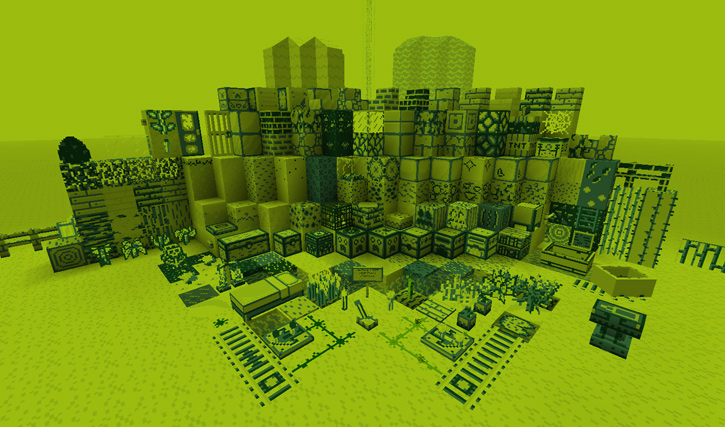
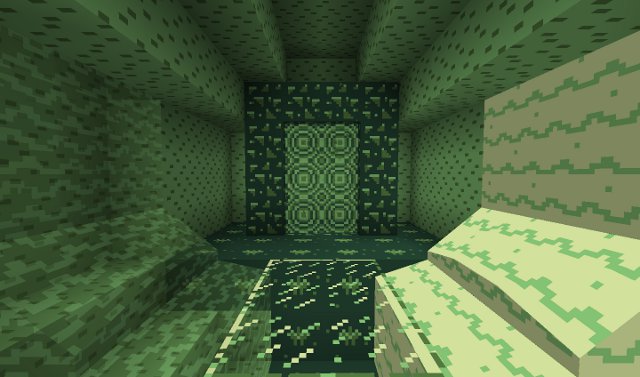
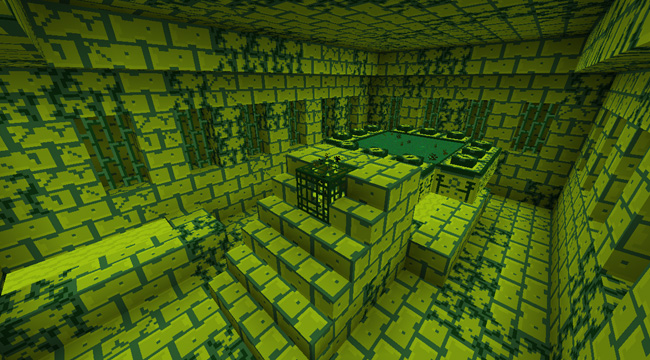
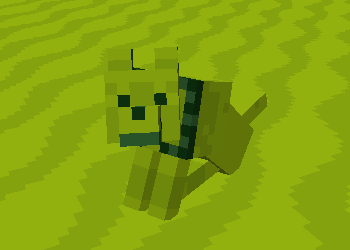
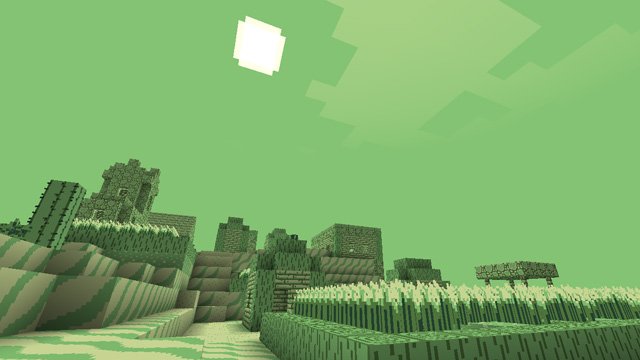
CraftBoy is a complete overhaul skin designed to take you way, way back, to a simpler time when instead of portable Playstations and Nintendos, we had a big bulky box that only displayed graphics in 4 shades of green, and the quality of a game was decided by it’s level of fun, not it’s graphics.
How to Install CraftBoy Texture Pack for Minecraft
- 1.Download a texture pack in a ZIP file format, do not unzip. If you created your own textures, you need to ZIP them. For in-depth instructions on obtaining the files to make your own custom texture pack go to Tutorials/Custom Texture Packs.
- 2.Run Minecraft. If you already have Minecraft running, make sure you save and quit the world: you need to be in the main menu to continue (If you have Optifine, you can go to Options > Video Settings while in-game).
- 3.Click Texture Packs button.
- 4.Click Open Texture Pack Folder button; this will open the folder where Minecraft stores all texture packs. If nothing happens, you need to find the folder manually. Depending on your operating system it is:
- Windows: %AppData%.minecrafttexturepacks
- Linux: ~/.minecraft/texturepacks (This folder may be hidden in the Home Folder)
- Mac OS X: ~/Library/Application Support/minecraft/texturepacks (This folder may be hidden)
- 5.Do not close Minecraft. Place the texture pack (ZIP file) in the opened folder, do not unzip.
- 6.In a few seconds the texture pack will appear in Minecraft. Select it (may take a few seconds for high-resolution packs), and click Done. The texture pack is now applied, you may now load your world and see the difference.

For 1.5
Light version
https://dl.dropbox.com/u/28683965/CraftBoyL-1.5.zip
http://www.mediafire.com/download/mz3b61ma8ddf9cb/CraftBoyL-1.5.zip
Dark version
https://dl.dropbox.com/u/28683965/CraftBoyD-1.5.zip
http://www.mediafire.com/download/z5cr68r2cy6t118/CraftBoyD-1.5.zip
For 1.4
Light version
Dark version

Không có nhận xét nào:
Đăng nhận xét