KoP Photo Realism Texture Pack 1.5.2 Info
The pack very well can be compared to the famous LB Photo Realism Texture Pack.
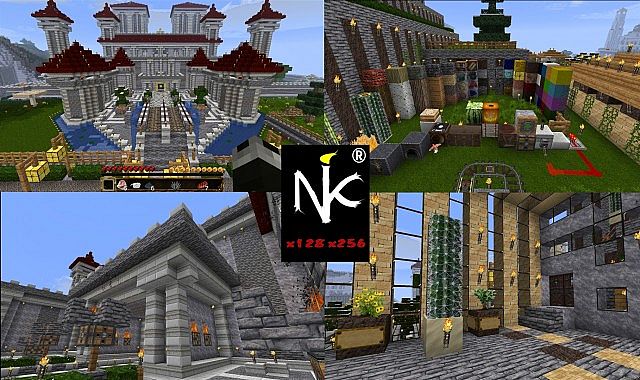
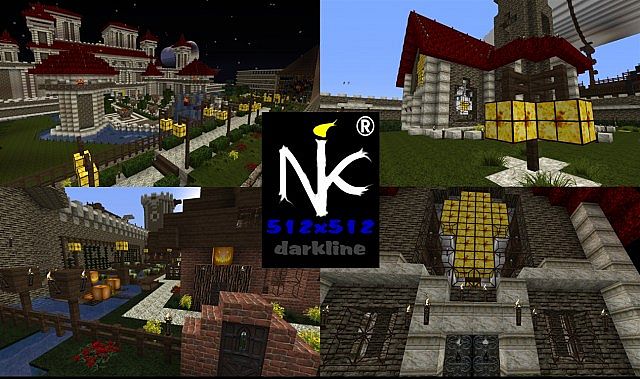
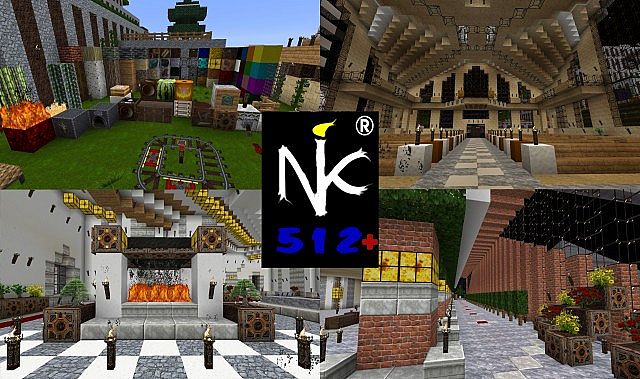
How to install KoP Photo Realism Texture Pack for Minecraft
In order to use HD texture packs properly (32× and higher) you will need to either patch your Minecraft using MCPatcher or using OptiFine. Optifine is preferred as it includes all of the features of MCPatcher, and greatly increases game speeds and graphics settings. MCPatcher tends to be updated on the same day as Minecraft updates, so use it instead if you are in a hurry.
- 1.Download either MCPatcher or OptiFine. If you downloaded OptiFine, skip to step 3.
- 2.For MCPatcher: Run the mcpatcher-X.X.X.jar file and proceed to click “patch.”
- 3.For Optifine: Install OptiFine like any other mod – By opening minecraft.jar, and placing the .class files from Optifine’s zip file within.

64x http://www.mediafire.com/?5xj4h4bgz3oj8cr
128x http://www.mediafire.com/?e11z6wdhs02js8b
256x http://www.mediafire.com/?uwpw6t16c1p8n4t

Không có nhận xét nào:
Đăng nhận xét